Template Deployment
Open Deploy → Template Deploy, search or filter the catalog and select a card. Coming Soon cards are not deployable. Inspect the selected template's variables, resource requirements and application-specific instructions before continuing. See the catalog overview.
Configure the service
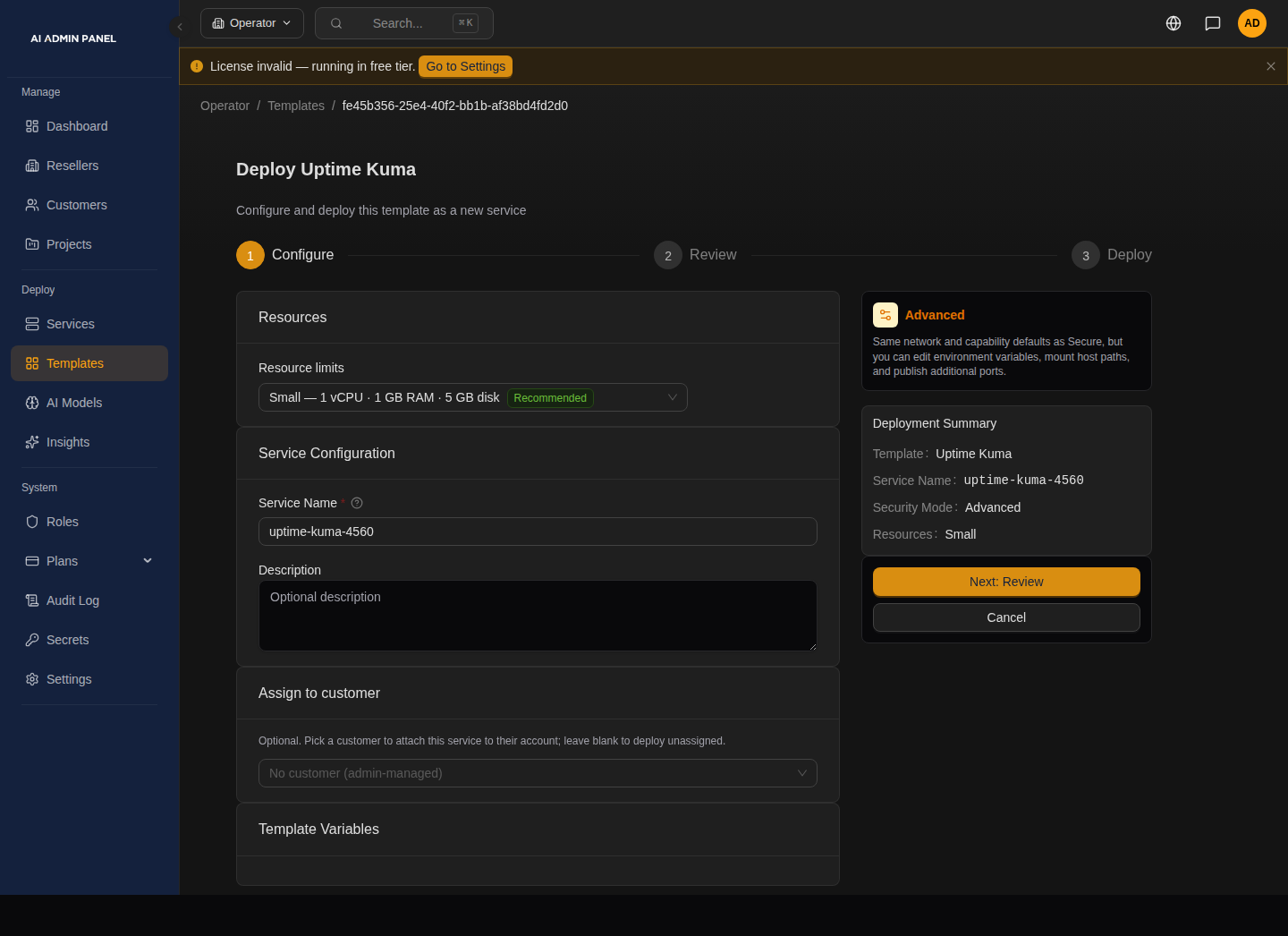
The seeded example uses Advanced mode. For the first-deploy walkthrough, keep Secure mode. This is the configuration step, before review or deployment.
Choose the service name and customer assignment, then fill in the template's visible variables. The schema types are string, integer, boolean, password and select. A password input is not automatically generated merely because it is blank; generated secrets use the template's explicit system tokens. Hidden/locked fields depend on the template and selected security mode.
For AI templates, inspect the AI source selector. Automatic injection requires an aiInjection mapping; otherwise configure the application itself. See How AI works. OpenClaw deployments require the separate device-authentication warning.
Resources and deployment
Template minimum requirements are minResources.cpuCores and minResources.memoryMB. The resource picker offers host-aware presets and custom CPU, memory and disk values. Custom warnings are advisory; deployment also has server-side plan, service-count and per-template quota checks. See Service Plans.
Templates may contain Compose, an image shorthand or a Git repository source. The deployment path follows that source. The panel substitutes variables and system tokens, validates the supported configuration, and creates the service's containers, volumes and network attachments. Routing and certificate provisioning also depend on DNS configuration.
Follow deployment progress, inspect any error and check the application at its URL. Health checks vary by template and image; readiness is not a promise of automatic recovery from every failure or a fixed time to first access.
Manage the deployed service
Use the service page for logs, metrics and permitted start/stop/restart actions. Redeployment recreates containers and may interrupt the application. Preserve required application data before changes, and review the backup/restore warnings.
Deletion removes the service through its cleanup workflow. Do not treat its success response as proof that every persistent volume, backup, external DNS record or external account was erased. Inventory those separately when retiring an application.
Troubleshooting
Image refused: reserved labels
An image that ships traefik.* or aiadminpanel.* labels is refused, with no override. This applies to catalog and custom templates alike; see Compose Deploy for the reason and the fix (rebuild or re-tag the image without those labels, or use a different image).